Welcome
I'm Andrea, creator of the GirlMogul Guide where I make everyday tech made simple! I've put together a list of my favorite iPhone and tech accessories that make living with tech easier everyday - check out my top recommendations below!

Tip of the day - Free up Your iPhone Storage!
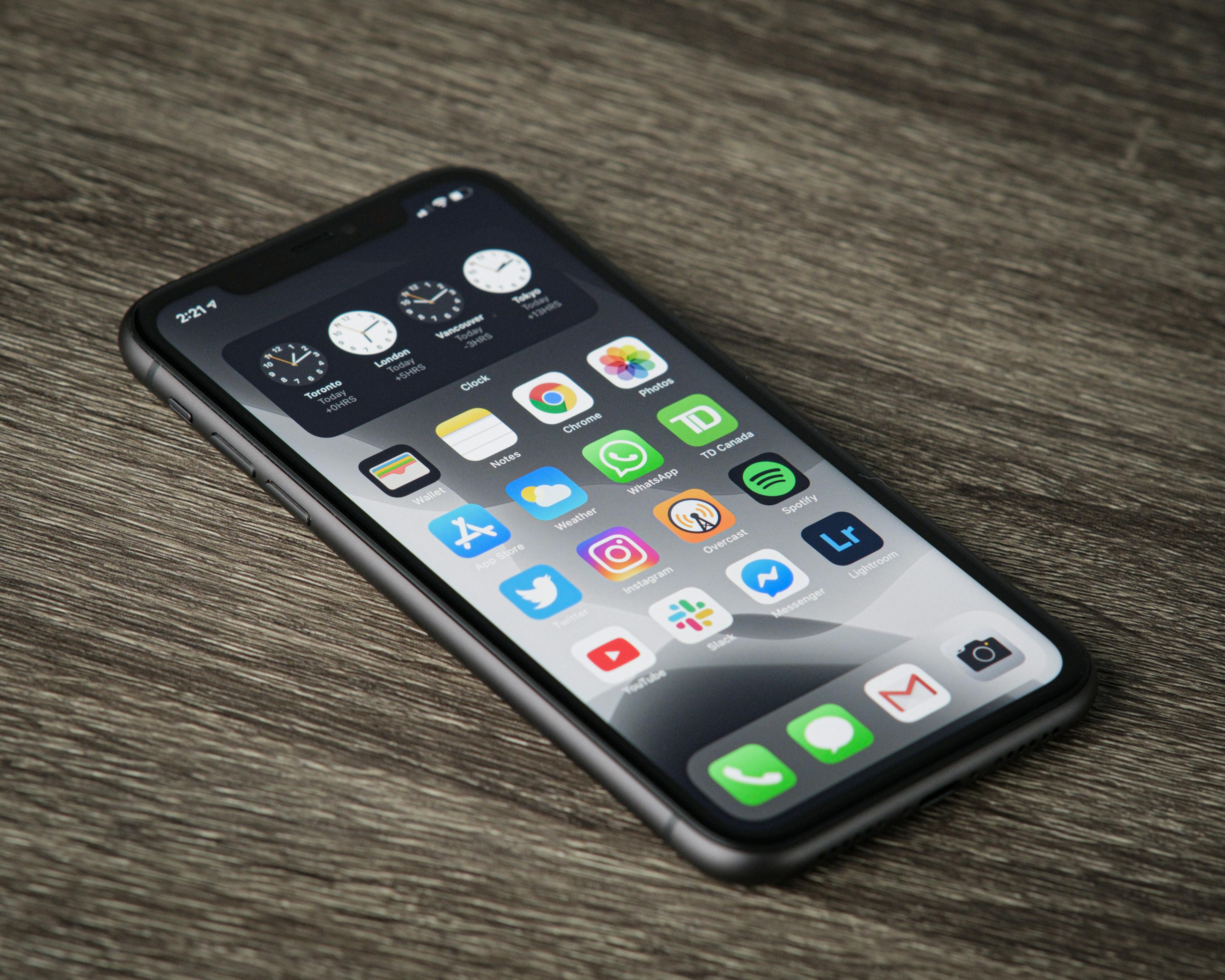
How to Check Your iPhone Storage and Delete Duplicate Photos
If your iPhone says your storage is full, don’t panic. Photos and videos are often the biggest reason your phone runs out of space. One easy place to start is by deleting duplicate photos.
Step 1: Open the Photos app
Tap the Photos app on your iPhone.
Step 2: Scroll down to Utilities
Scroll down until you see the Utilities section.
Step 3: Tap Duplicates
Tap Duplicates. Your iPhone will show photos or videos that look the same or very similar.
Step 4: Tap Merge
Tap Merge next to the duplicate photos.
Your iPhone will keep the best version and move the extras to Recently Deleted.
Step 5: Empty Recently Deleted
To fully free up space, go to:
Photos → Recently Deleted → Select → Delete All
That’s it — a quick cleanup that can help free up storage and make your phone feel less cluttered.
Simple iPhone accessories that make to elevate your everyday
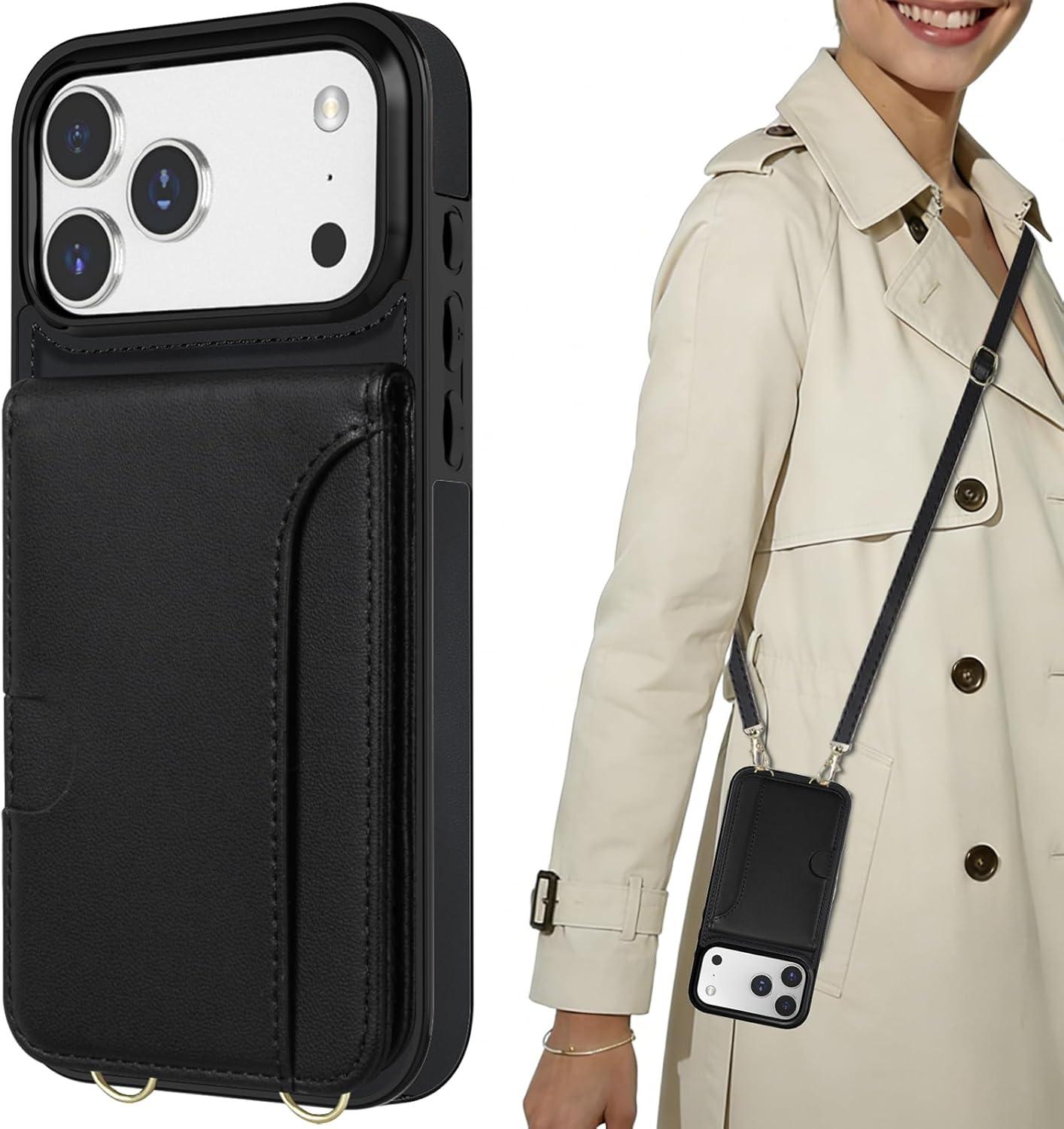
iPhone Lanyard Case
We use our phones all the time and this lanyard/purse is the perfect way to keep it safe and close!
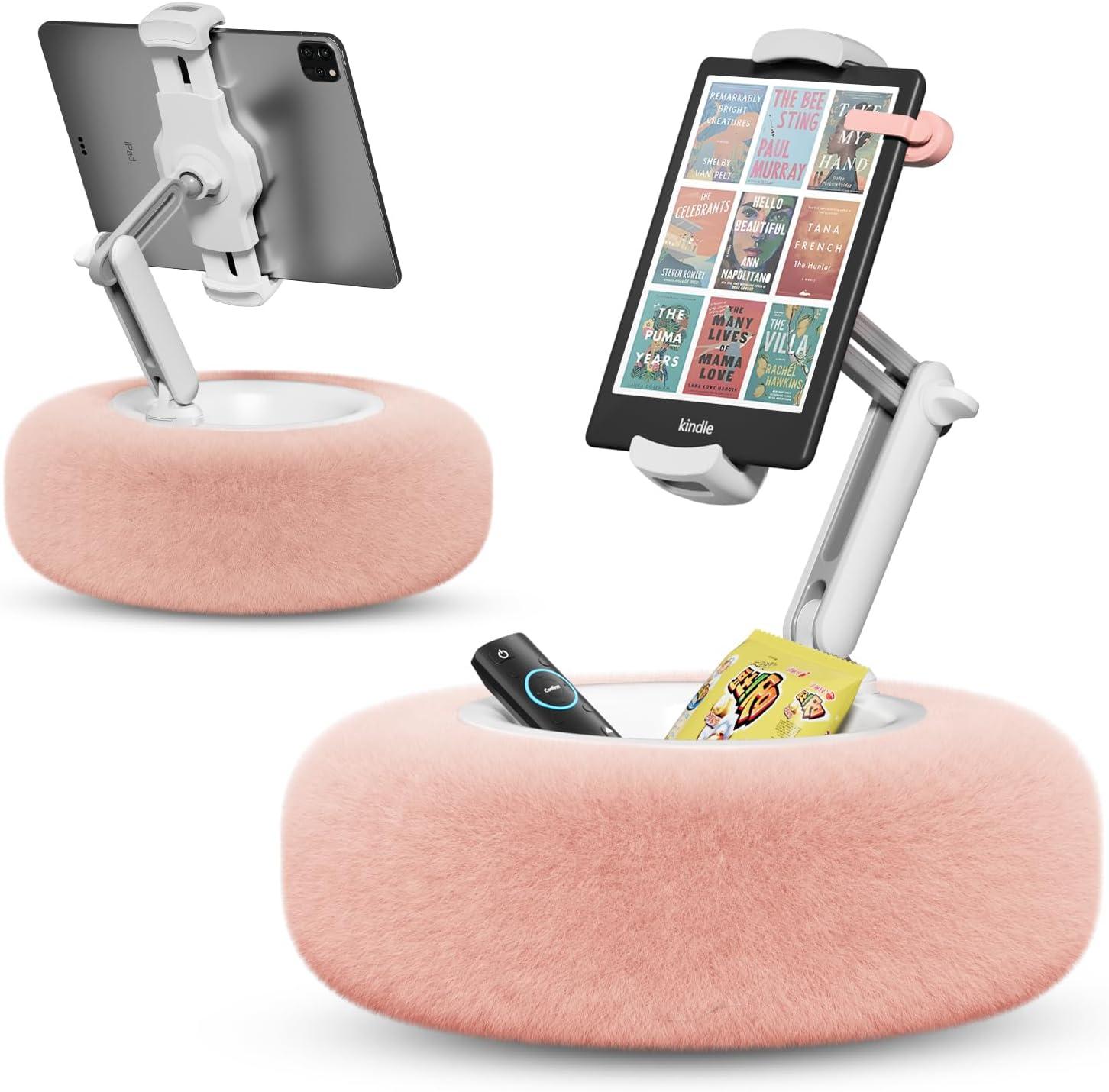
iPhone Reading Stand
A great way to use your phone to read or view
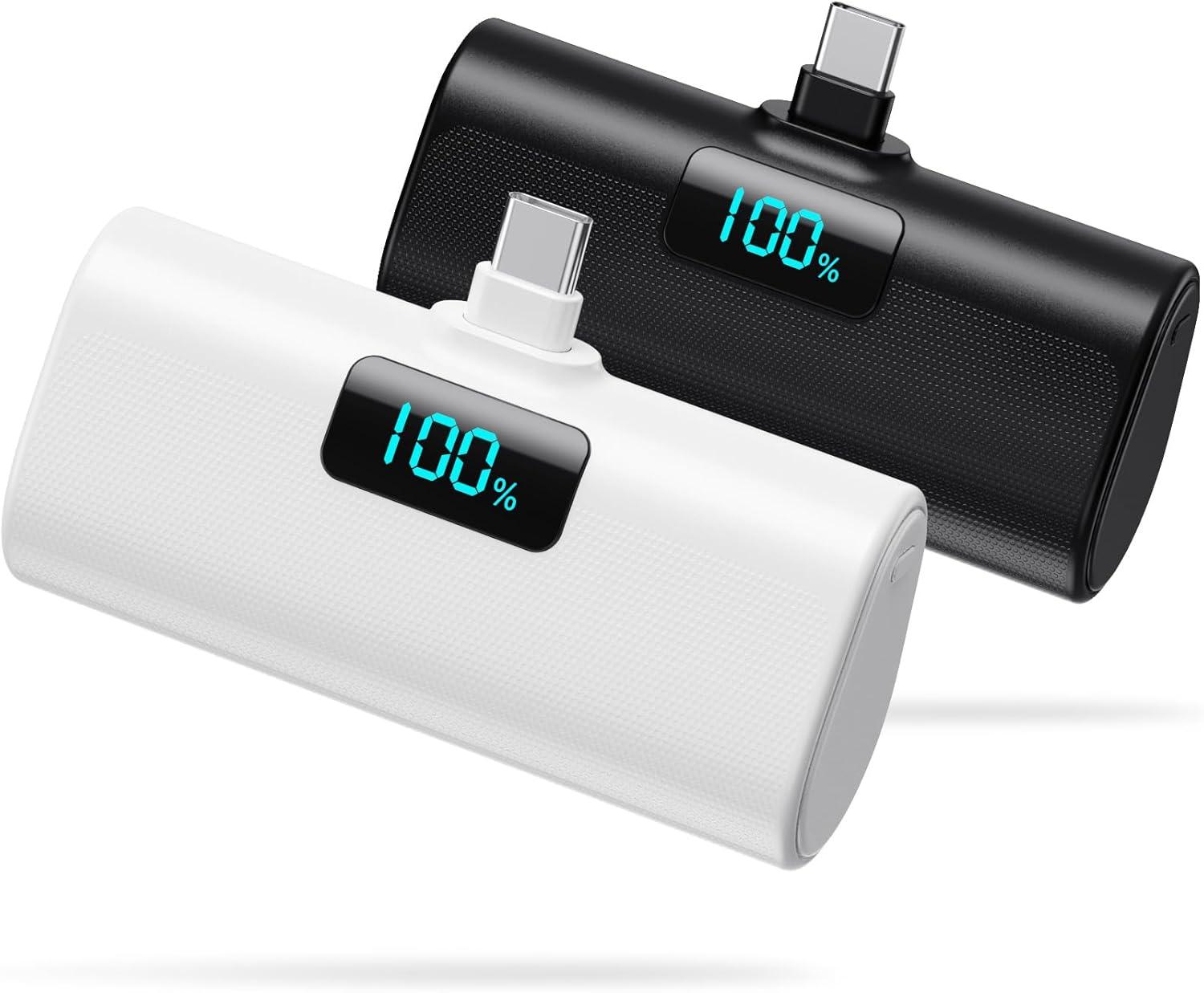
Portable Charger
Perfect for Iphone 15, 16 & 17
Hey there - the links above are affiliate links meaning if you click them and if you buy something, I might get a small commission. But don't worry I only recommend products I use and love myself.
Fantastic! You’re in.
Thanks for joining! Scroll down to get your iPhone checklist